I’m hoping this is just a matter of something being set wrong. I have 1922 LEDs I am mapping on to a sphere. There are 41 rows and the widest rows have 72 LEDs. I used this site to create the LED map
This is the map file it created which is valid JSON.
This is what the LED map should look like.
I loaded it into WLED and set the 2D Matrix to 72x41. When I preview it using the Peak feature the pattern looks good for the first ¾, then it just goes to full width.
I have the correct number of LEDs setup in the LED tab (2952) even though only 1922 will actually be used.
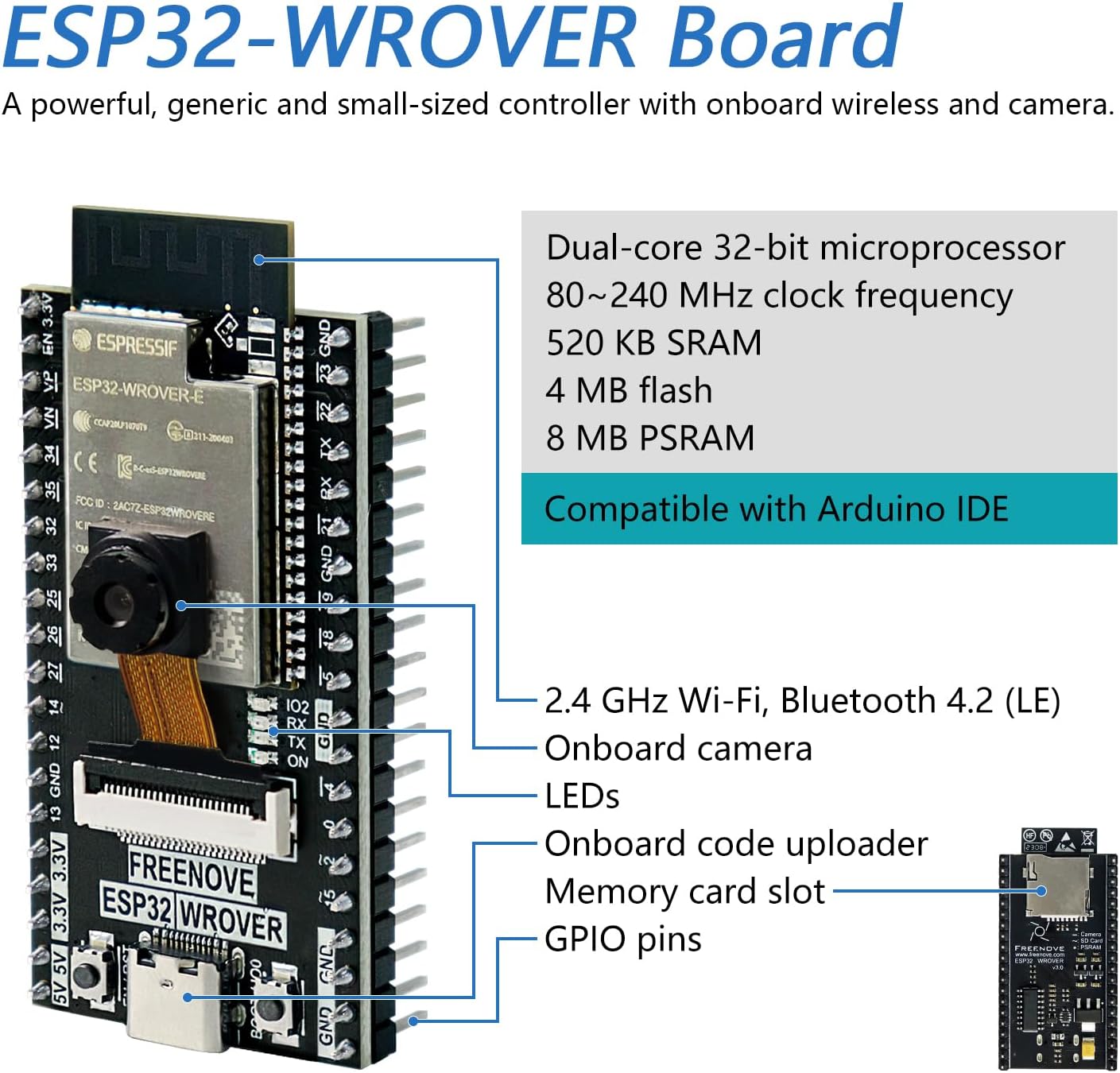
Ahh ok. I was wondering if it was just too big. Right now I am running it on an ESP32 WROVER. Can you recommend one with PSRAM that will be powerful enough to run all these LEDs?
All WROVERs have PSRAM, any amount is enough. You are looking at 2M or 4M vs. 0.2M internal DRAM. If that LEDmap still wont load, you need to do a custom build, increasing the JSON buffer size.
Is it possible to do this in the 2D matrix setting without using an ledmap file? I tried setting it to 41 panels, but it seems to cut off after 17 or 18. I tried editing the config to add more panels, but it kept truncating it to 18.
My husband did a custom build platformIO, what default_ENVS should he be using platformIO.ini for a ESP32_DevKitC_V4 board. On the Amazon page it also called it ESP32-DevKitC-VE.
Can anyone help me get this working? We have tried compiling several different versions of WLED and we can’t not get the ledmap to display correctly. It either doesn’t display the map at all showing all pixels lit, or it shows this issue I mentioned above.
If anyone can get this working I’ll owe them a coffee or beer.
The one thing I noticed is at the point in the map where it stops working the color of the text goes from Blue to Black when looking at the map in the edit screen.
0.16 has “unlimited” ledmap size support.
“unlimited” being limited to available resources (free heap and maximum LED count).
If 0.16 does not work with the ledmap provided then I’d assume error in ledmap. If you think otherwise, provide debug output during boot sequence (it should display loaded ledmap).
Just tried installing the current build of 16.0 on 2 different ESP32 WROVER board and both got stuck in a boot loop after the install. I’ll have to wait for a more stable version.